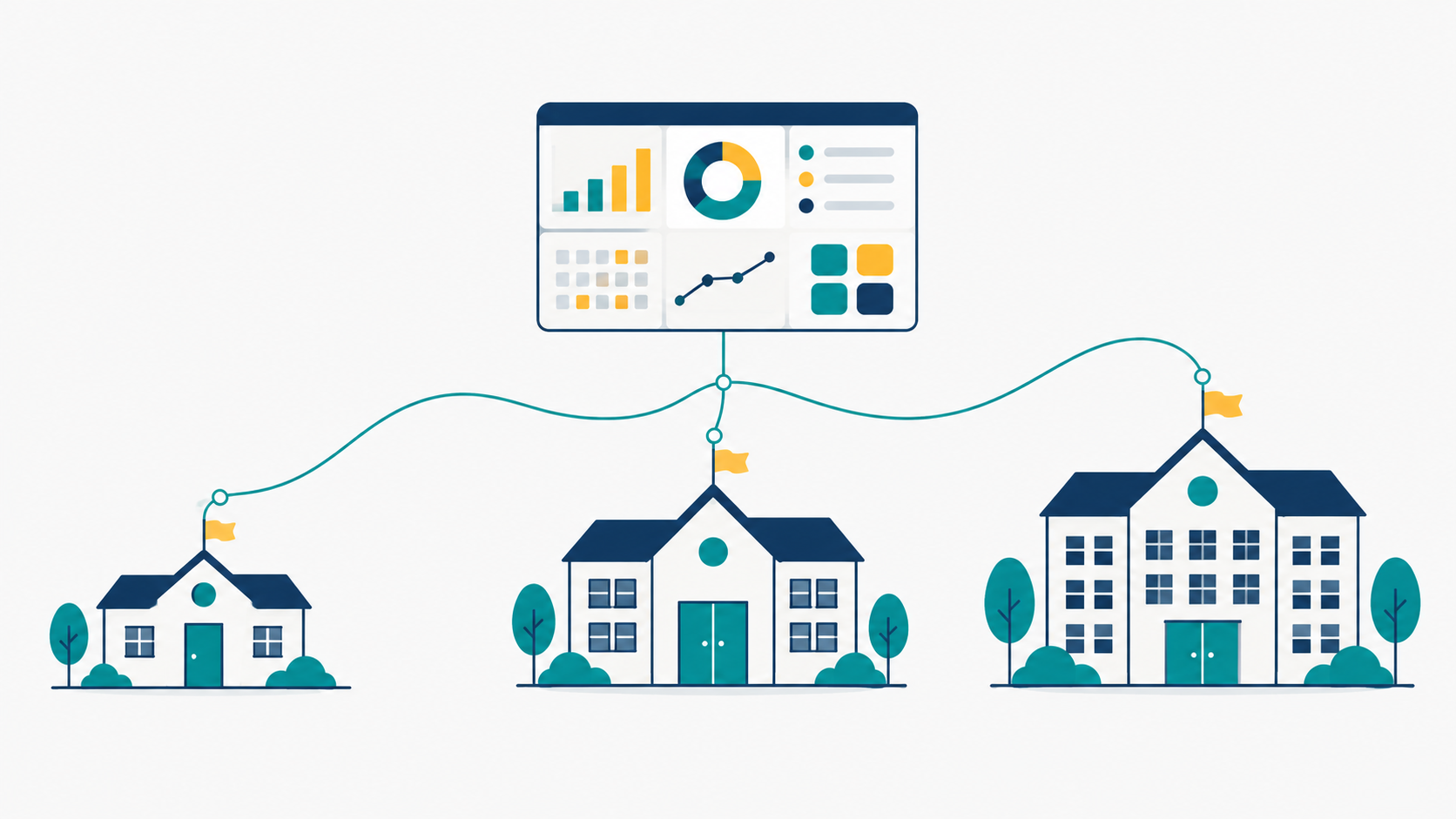
Why Multi-Location Management Matters
If your school operates across multiple campuses—whether in different parts of the city or spread across regions—you know the challenge. Each location has its own students, staff, affiliations, and compliance needs. Yet everything must work together seamlessly.
Running separate systems for each branch creates data silos, duplicates work, and makes oversight impossible. Principals cannot see the big picture. Directors spend hours on manual coordination. And when it's time to file compliance reports, consolidating data from multiple spreadsheets becomes a nightmare.
eSchoolPortal's Location Management feature is built precisely for this. It lets you run multiple campuses as one integrated school system while keeping each location's data organized and separate.
How Location Management Works
When you add a new campus to eSchoolPortal, you give it:
- A unique address and contact details
- A UDISE+ code for each campus
- Board affiliations—for example, CBSE and ICSE at the same location, or just UP Board at another
- Classes and sections that automatically align with each affiliation's structure
One campus is always marked as your main campus. Others can be deactivated (or deleted if unused) without losing data.
The beauty of this design is that your entire school's data—students, staff, fees, attendance, exams—stays in one place, but organized by location. There are no separate databases to manage.
The Location Switcher: See What You Need, When You Need It
Once your school has 2 or more active campuses, a location selector appears in the top navigation bar for Directors and System Admins. One click lets you:
- View students and classes at a specific campus
- See staff postings and who is assigned where
- Check attendance reports by location
- Review exam results and timetables for each branch
- Manage fee collections and defaulters by campus
- Track payroll, finance, and transport by location
- Switch to "All Locations" for a school-wide overview anytime
This is a view filter, not a security barrier. Leadership always has access; the filter just makes dashboards and reports focused and relevant.
Smart Staff Postings Across Campuses
Your teachers and support staff don't always stay in one place. A head teacher might split time between two campuses. A subject expert might teach at multiple locations. eSchoolPortal makes this simple.
The Director can:
- Post any staff member to one or more campuses at once
- Mark a primary posting—the main location where they teach or work
- Move staff between locations in one step
- Reassign staff to a single campus with one update
Every posting change is logged and automatically emailed to the staff member. The audit trail shows exactly who moved where and when, so there is never confusion about responsibilities.
Affiliations and Classes at Each Location
Real schools often need different boards at different campuses. One branch might be CBSE, another UP Board, and a third might offer both.
eSchoolPortal lets you set up multiple board affiliations per campus, each with its own affiliation number, board school code, and validity dates. When an affiliation is expiring within 90 days, the system flags it so you don't miss renewal deadlines.
When you activate classes for an affiliation, the system automatically creates the missing sections (Class 1 through 12, or just pre-primary, or whatever range you choose). And when the same class name exists at multiple locations or boards, pickers show helpful labels like "Class 6 · North Campus" and "Class 6 · CBSE" so there is never ambiguity.
Single Fee Invoice, Multiple Locations
Billing is straightforward even with multiple branches. Each student gets one consolidated monthly invoice combining all fee components and transport fees for their campus. No student sees conflicting bills from different locations.
The Director sets fee structures per class per academic year and tracks collections across all campuses from one dashboard. Defaulters lists and payment reports can be filtered by location for quick follow-up.
Compliance and Regulatory Reporting Made Easy
Multi-location schools face a compliance minefield. Each campus may have different UDISE codes, board affiliations, and state-specific requirements. POCSO, RTE reimbursement, fire certificates, teacher qualifications—all of it must be tracked per location.
eSchoolPortal's Compliance Engine knows this. You can record evidence and status for each campus separately. Expiring certificates are flagged before they become liabilities. And when it's time for an audit or inspection, you export a report that clearly shows compliance by location.
Real Dashboards for Real Needs
When a Director logs in and switches to a specific campus, the dashboards show only data from that location:
- Enrolment figures for that campus
- Today's attendance for that branch's students and staff
- Fee collections and pending amounts
- Payroll run results for that location's staff
- Transport assignments and vehicle status
Then one click on "All Locations" gives the complete school view—total students, combined staff strength, school-wide finances. Perfect for board meetings or investor reports.
Getting Started with eSchoolPortal Multi-Campus
Setup is straightforward. When you first configure the system, you start with your main campus. As the school grows, add a new location, set up its affiliations, and post staff. The location switcher appears automatically. No migration, no downtime, no complex data mapping.
Everything—student records, staff attendance, fee collection, exam results, compliance—flows seamlessly across all campuses in one unified system.
Ready to Simplify Multi-Location Management?
If you're running two, three, or more school branches, juggling separate spreadsheets and logins for each location, it's time to consolidate. eSchoolPortal brings all your campuses under one roof—literally. A single, unified dashboard. One source of truth. Total control, perfect oversight.
Explore how eSchoolPortal can transform your multi-campus operations today. Visit eSchoolPortal.Net for a free demo or to learn more about features built for growing school networks.